
Coverage with a purpose
Identify entrances, payment points, work areas and other priority locations first. Camera positions are then considered against the view you need, lighting and practical mounting options.
From entrances and cashier counters to parking areas and warehouse aisles, we help plan camera views, recording and remote access around the way you use your space. Get a clear equipment proposal before deciding what to install.

Identify entrances, payment points, work areas and other priority locations first. Camera positions are then considered against the view you need, lighting and practical mounting options.
Review the proposed cameras, recorder, storage, cabling and installation scope together. Any options can be discussed before you approve the quotation.
The agreed equipment is installed and configured, with camera views, recording and playback checked as part of handover.
Learn how to view cameras, search recordings and use supported mobile or desktop access. We explain the supplied system and available support options at handover.
Camera and recorder systems planned around the site, coverage and recording needs.
Network configuration and app setup for supported Android, iOS and computer devices.
Support for existing systems, troubleshooting and upgrades as your requirements change.
A practical plan considers what you need to see, how long recordings should be kept, how you will access the system and what is already installed.
List the areas that matter most, such as entrances, reception or cashier counters, stock rooms and vehicle access. A site review helps discuss camera angle, lighting and possible blind spots before installation.
Recording duration depends on factors such as camera count, image quality, recording mode and storage capacity. We can discuss these choices so the proposed recorder and storage match your priorities.
Use a local monitor for on-site viewing, or configure supported mobile and computer access where the network and internet connection allow. Remote access is affected by the site's connectivity and setup.
If you already have cameras, cabling or a recorder, share their make and model if available. Compatibility and condition can be checked before suggesting repair, expansion or replacement.
Final equipment, coverage, recording capacity, compatibility, pricing and any warranty terms are confirmed in the proposal for your specific site.
Entry points, shared areas and outdoor views planned for everyday home security.
Practical camera placement for work areas, customer spaces and stock rooms.
Scalable camera and network recorder layouts for larger sites and perimeter monitoring.
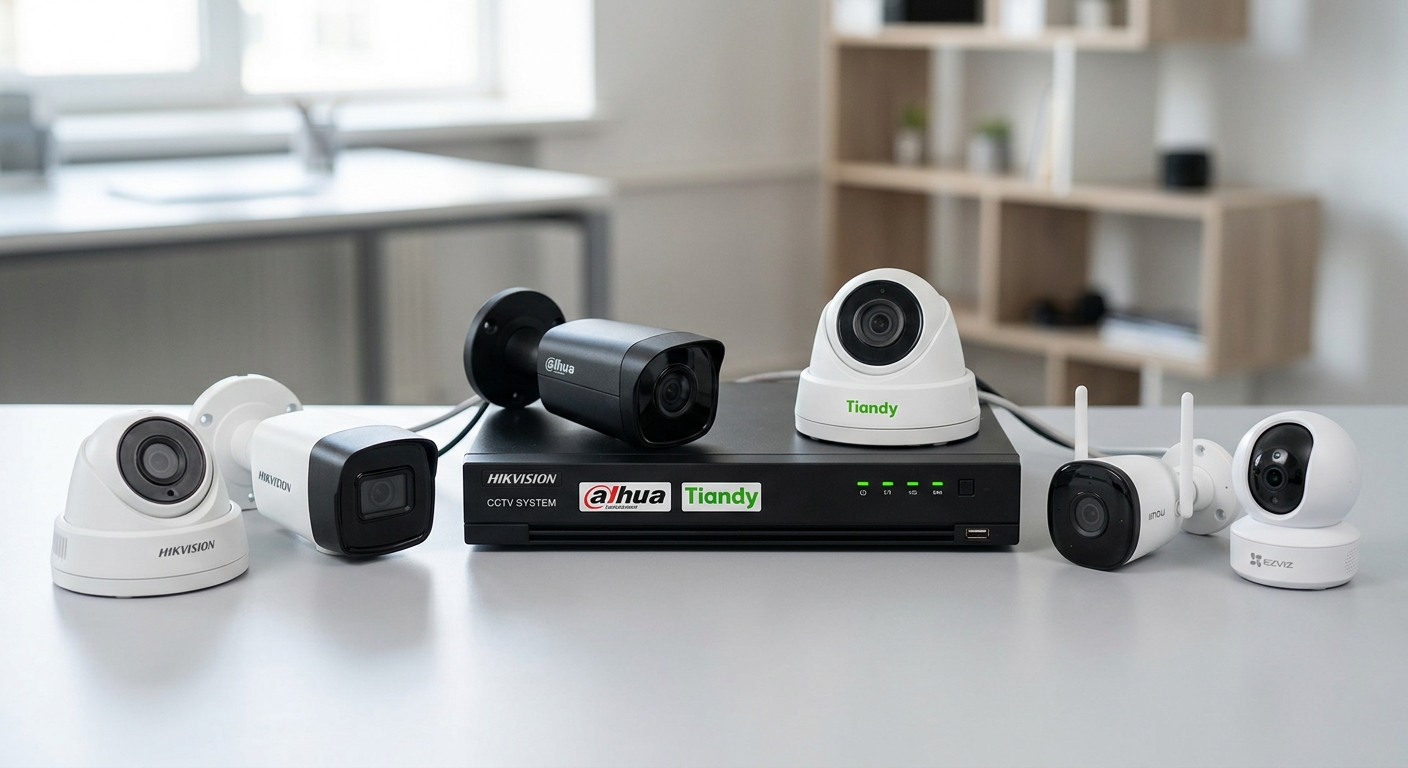
From entrances and reception desks to stock rooms and vehicle access, our CCTV packages are designed around the exact points you want to monitor with clarity and confidence.




Every site is different. These answers can help you prepare for a useful discussion with our team.
It depends on the areas you want to monitor, the views required and the site layout. Sharing a simple floor plan or listing priority areas can help us discuss camera positions and options during a site review.
Remote viewing can be configured on supported devices when the camera system, network and site internet connection support it. Availability and viewing quality depend on the internet connection and final configuration.
A recorder configured for local storage can continue recording during an internet outage if the cameras, recorder and power remain operational. Remote viewing may be unavailable until connectivity returns. Backup power and recording behavior should be confirmed for your proposed setup.
Retention depends on storage capacity, the number of cameras, image settings and whether recording is continuous or event-based. Tell us how long you hope to keep footage so storage options can be included in the proposal.
Possibly. It depends on the equipment's condition, model and compatibility with the other parts of the system. Share the brand and model if available; we can check before recommending repair, expansion or replacement.
A contact number, installation location, building type and estimated camera count are a good start. It also helps to note priority areas, existing equipment and how you expect to view or retain recordings. An exact camera count is not required.
We can discuss camera views that focus on your property and security needs while taking privacy into account. You should consider who can access recordings, how long they are retained and any notices or local requirements that apply to your site.
Discuss your needs, site and budget with our team.
Review the site, camera views, equipment and estimated costs.
Install and configure the agreed system with care.
Walk through mobile viewing and hand over system and warranty documents.
Share a few details and our team will get back to you to discuss the survey and next steps.
+95 9 796 882 055